No products in the basket.
VIOFO Dashcam App Update: 2x Playback, Easier Trimming and Smarter Downloads
14 August 2026
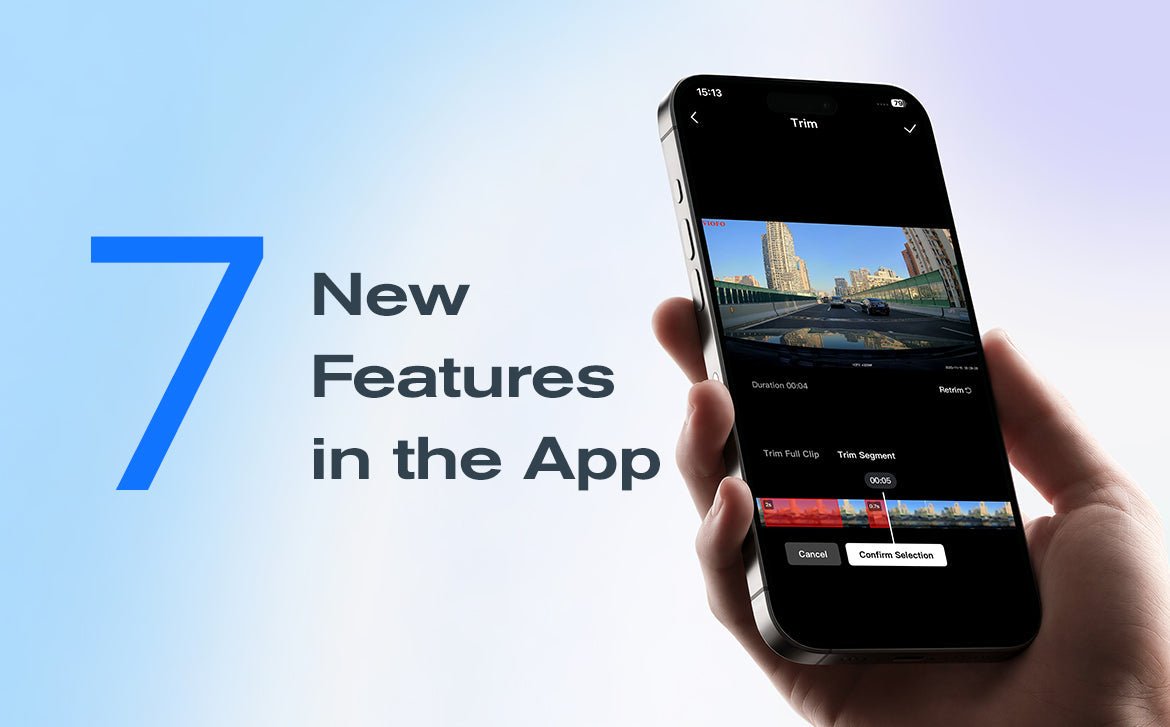
Good news if you use the VIOFO Dashcam App: the latest update (Android V2.1.01 and iOS V1.1.0) is out, with a bunch of improvements that make watching, editing and managing your footage noticeably easier.
Grab the update from the Apple App Store or Google Play to try the new features.

1. Faster playback
Got a long video but don’t want to miss anything? The new 2x speed playback lets you skim through footage, skip the dull bits and find the important moment quickly.

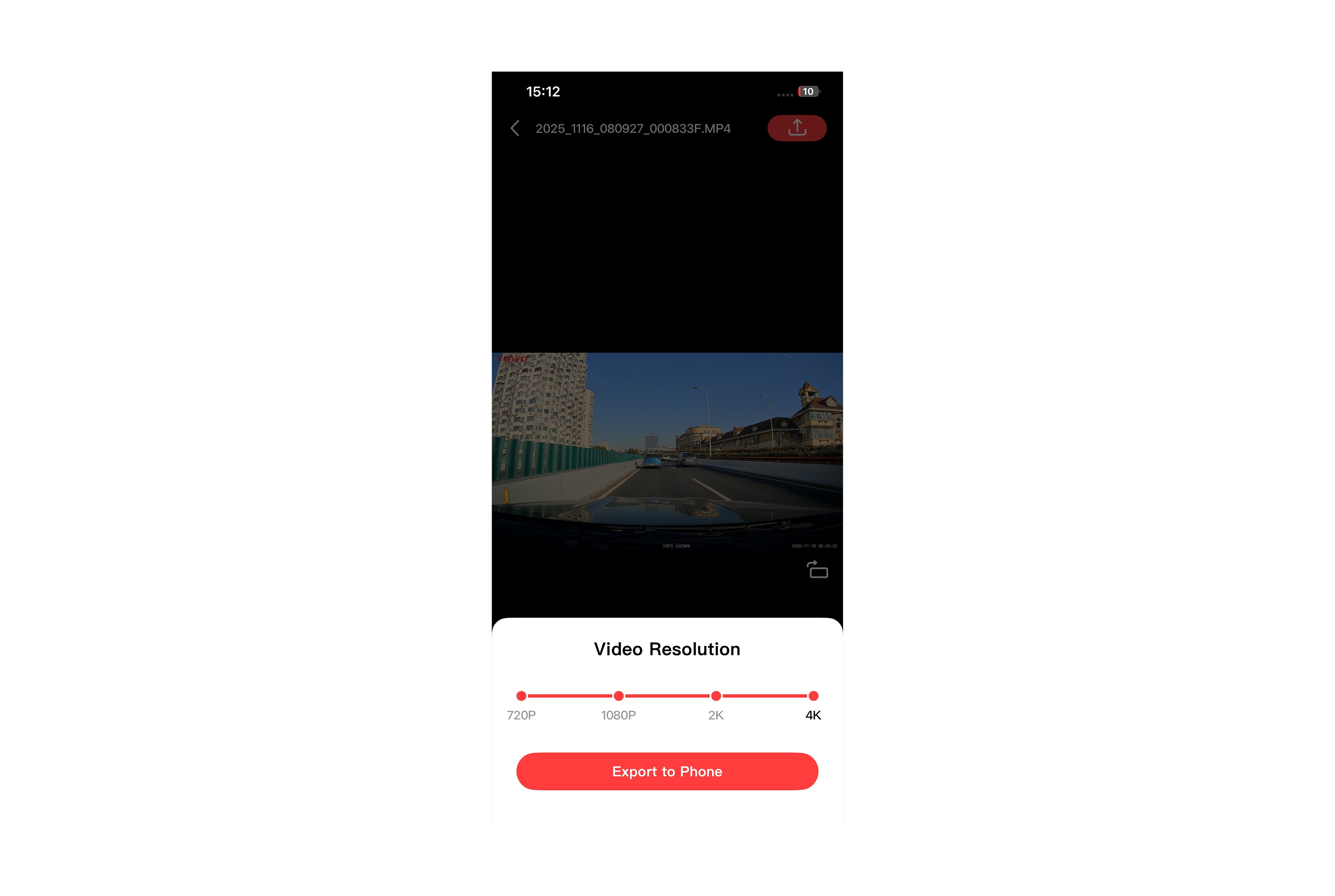
2. Choose your export resolution
Whether you want a smaller file to share with friends or a higher-resolution export for more detail, you can now pick the resolution that suits before exporting a video to your phone.
3. Easier editing
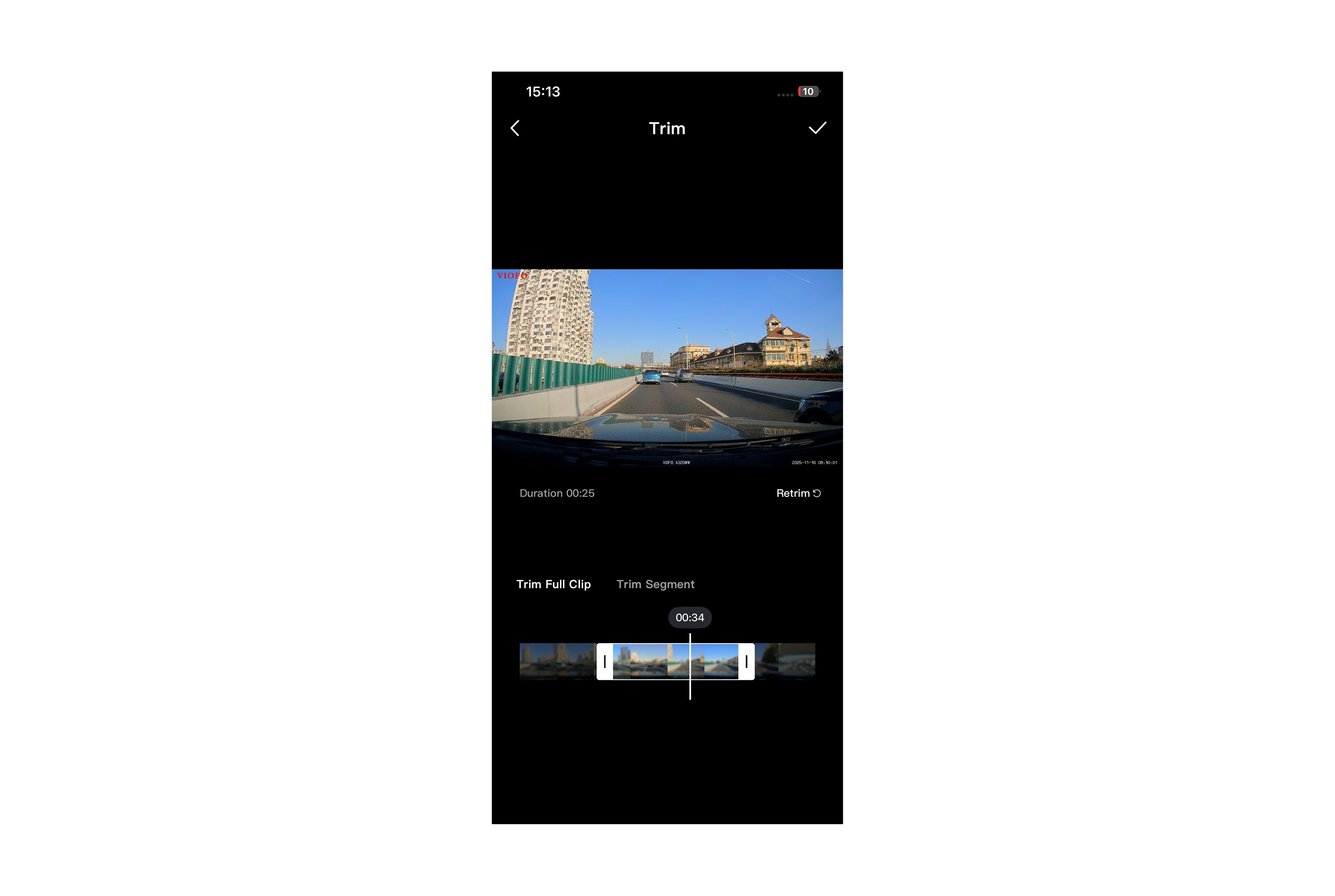
The edit button now offers two ways to trim, giving you more flexibility when editing in the app.
3.1 Trim Full Clip
Trim Full Clip lets you cut out the key moment from anywhere in your footage. Just drag the start and end markers on the timeline to get exactly the length you need.
3.2 Trim Segment
Sometimes the highlights are scattered through a long recording. Trim Segment lets you pick out several sections and join them into one clip, so you can see all the good bits in one go.

4. Screenshots and Live Photos
4.1 Save as Photo
Bumps and scrapes happen in a split second. To keep hold of important evidence, you can now grab a screenshot while watching footage in the app and save it straight to your phone.

4.2 Save as Live Photo (iPhone only)
If the moment happens too fast to capture in a still, Save as Live Photo saves a short clip to your phone as a Live Photo.

Note: so that every Live Photo displays and plays properly, this feature is limited to iOS for now.
5. A tidier gallery
Hunting for one video among hundreds of files can be a pain. The gallery has been redesigned to make browsing and filtering easier, and the clearer category menu lets you jump between locked videos and driving videos without constantly going back to the folder page.
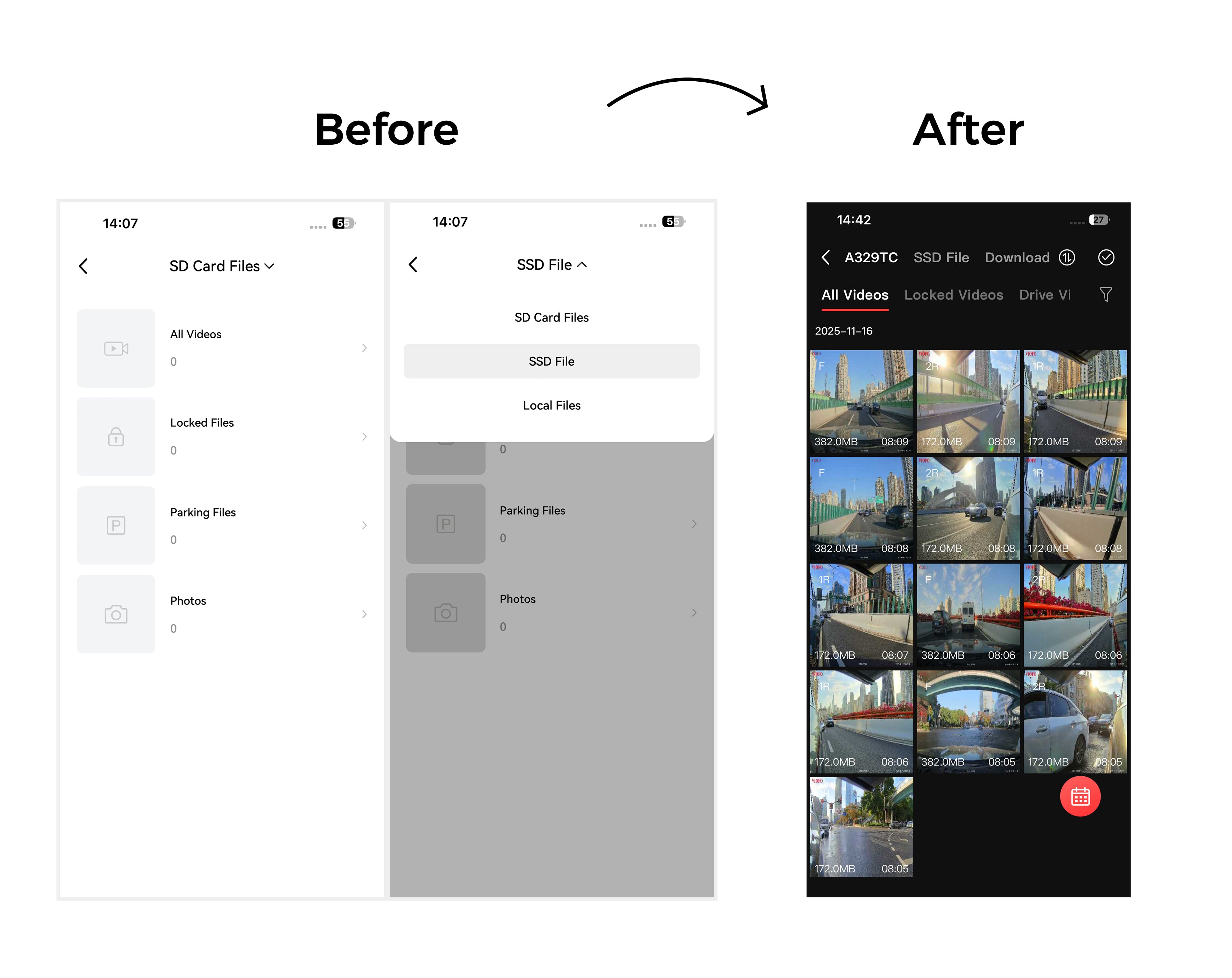

6. Multi-select downloads
A new Select Multiple option in the gallery means you can choose all the videos you want to download in one go, rather than picking them one at a time.
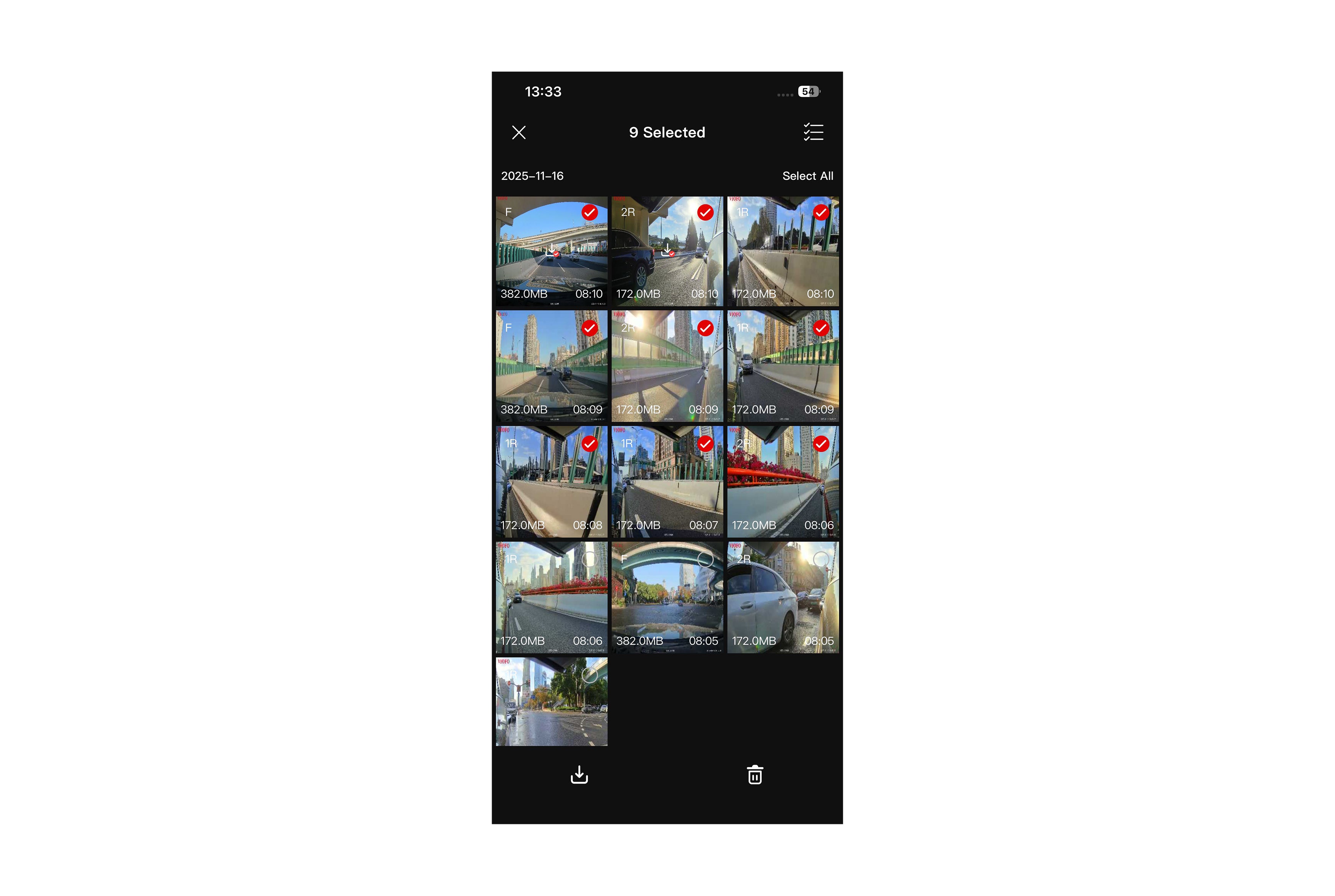
Icons on each video show what’s happening (a clock means waiting, a circle means downloading), and the number on the Download List icon tells you at a glance how many videos are queued.

7. Download management
On the new Download List page you can put important downloads first. Pause, restart, cancel or clear tasks, and move selected downloads to the top of the queue.
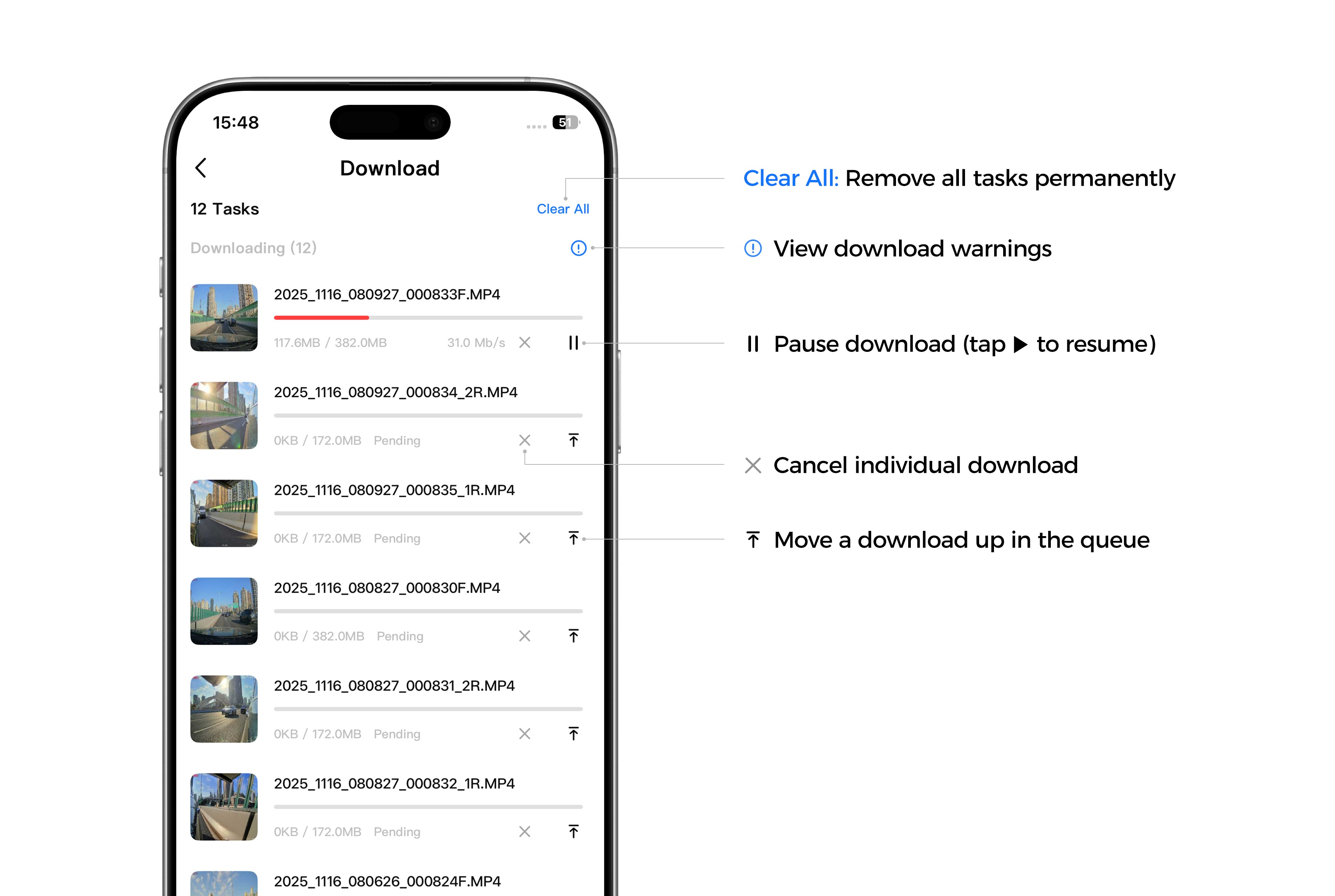
From quicker playback and easier editing to handy screenshots and better file organisation, this update makes the VIOFO Dashcam App a smoother experience all round. Update to Android V2.1 or iOS V1.1 today and give it a go.