No products in the basket.
VIOFO VS1: The Compact Dash Cam with a 180° Rotating Lens That Films Front, Rear or Inside
25 April 2025

Most dash cams point one way: forwards. The VIOFO VS1 is a bit different. Its 180° rotatable lens lets you flip the camera to face the road ahead, the traffic behind, or the inside of your car, all from one small, discreet unit.
A compact 2K dash cam with a lens that turns
The VS1 records in 2K with a Sony STARVIS 2 sensor for clear, detailed footage, including in low light. The standout feature, though, is the 180° rotatable lens. Whether you want to watch the traffic ahead or keep an eye on what’s going on behind, changing the camera’s angle is quick and easy.

What the rotatable lens means for you
Because you can adjust the recording angle, the VS1 doesn’t have to live on the windscreen. You can also sit it on the dashboard and point it wherever you need it.
Face it forwards for a clear view of the road, mount it on the rear window or parcel shelf to cover what’s behind, or fine-tune the angle to suit different windscreen shapes and mounting spots. Whether you’re driving for a ride-hailing app, heading off on a road trip or squeezing into tight parking spaces, it helps you capture what matters.
Five ways to install the VS1
1. Front windscreen. Mount the VS1 on the windscreen as normal and adjust the lens to frame the road ahead.

2. Dashboard. If there isn’t enough room on your windscreen, flip the VS1 and mount it upright on the dashboard. Remember to rotate the image in the app before you start recording.
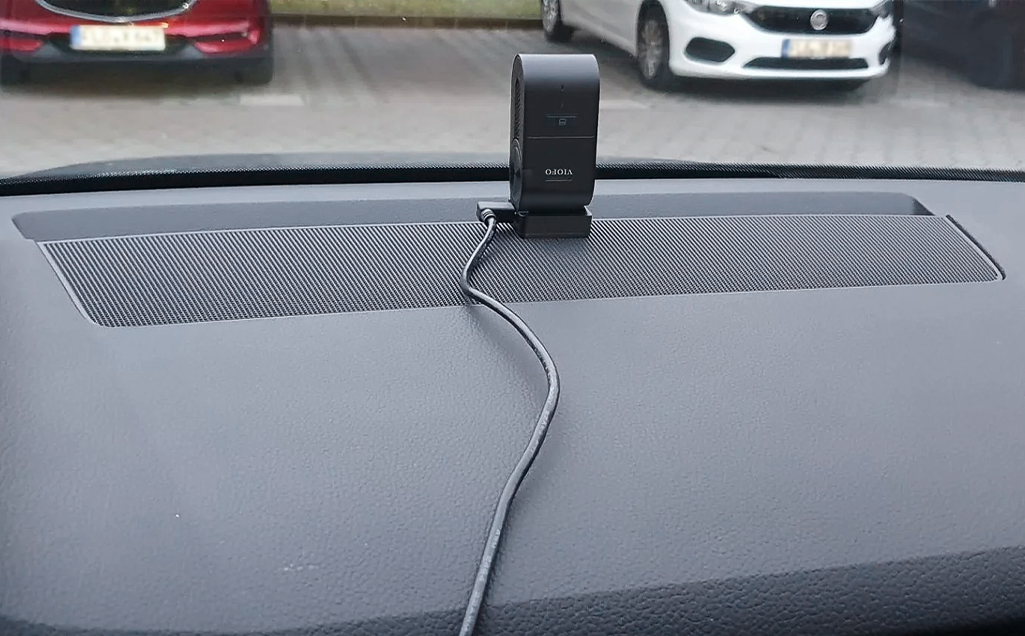
3. Rear window. Fit the VS1 directly to the rear windscreen to record traffic behind you.
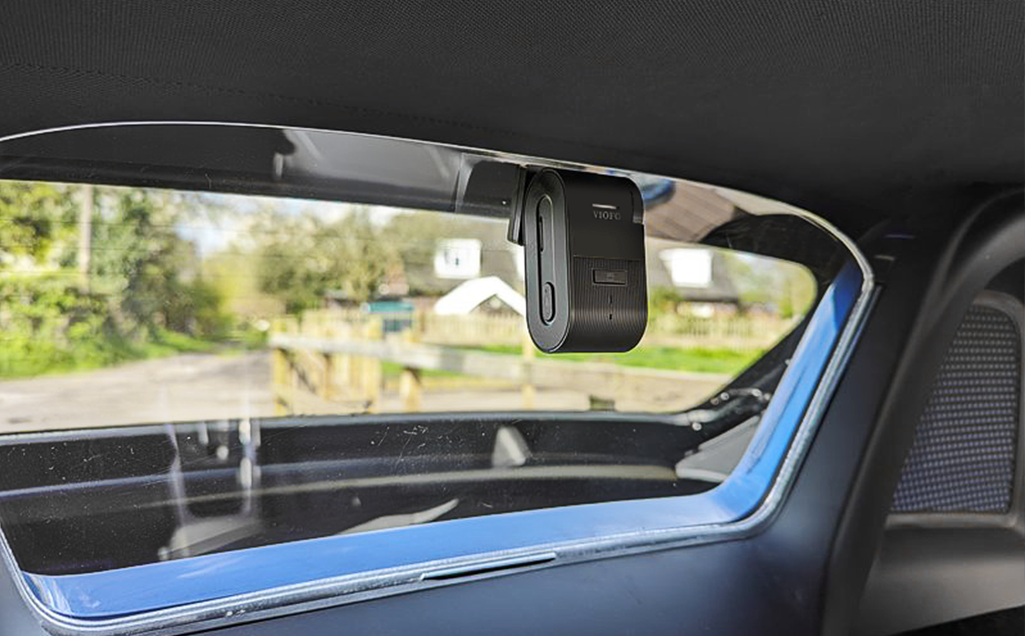
4. Parcel shelf. Flip the VS1 and mount it on the rear parcel shelf to keep track of what happens behind. Again, rotate the image in the app first.
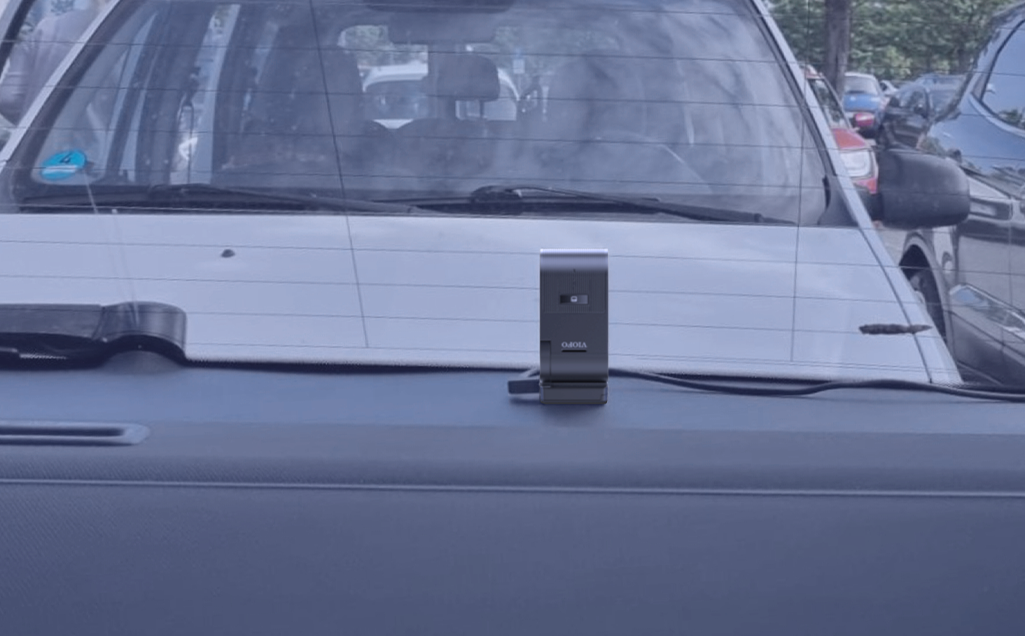
5. Facing into the cabin. Mount the VS1 on top of the rear storage compartment, facing into the car, to capture the rear of the cabin. Rotate the image in the app before recording.
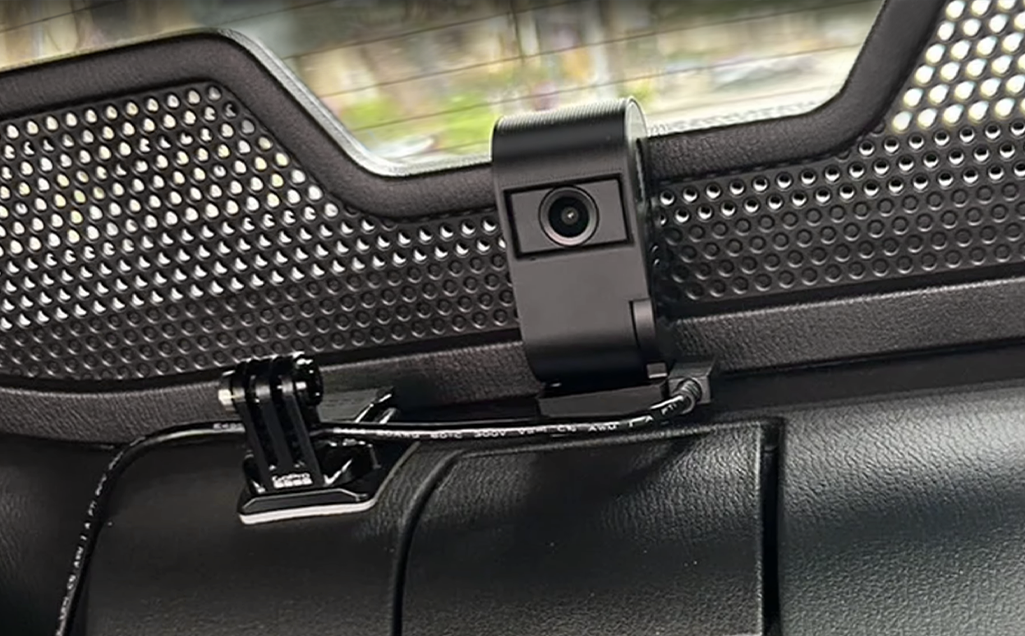
Tip: rotate the image for set-ups 2, 4 and 5
Why? When the VS1 is flipped and mounted on the dashboard or parcel shelf, the picture and video will appear upside down, so you need to rotate the image in the settings before you start recording.
How? Download the VIOFO app, connect it to your VS1 and, before recording, switch on both Image Mirror and Image Rotate in the settings. The VS1 will then capture and display footage the right way up.

Who is the VS1 for?
Taxi and private hire drivers: clear footage of the road ahead or behind can help document incidents or disputes at pick-up and drop-off.

Road trippers: whether you’re following the coast or winding through the hills, the VS1 records every scenic mile in sharp detail.

Parents of new drivers: keep an eye on driving habits and road safety with front or rear footage, with no complicated installation or extra kit.
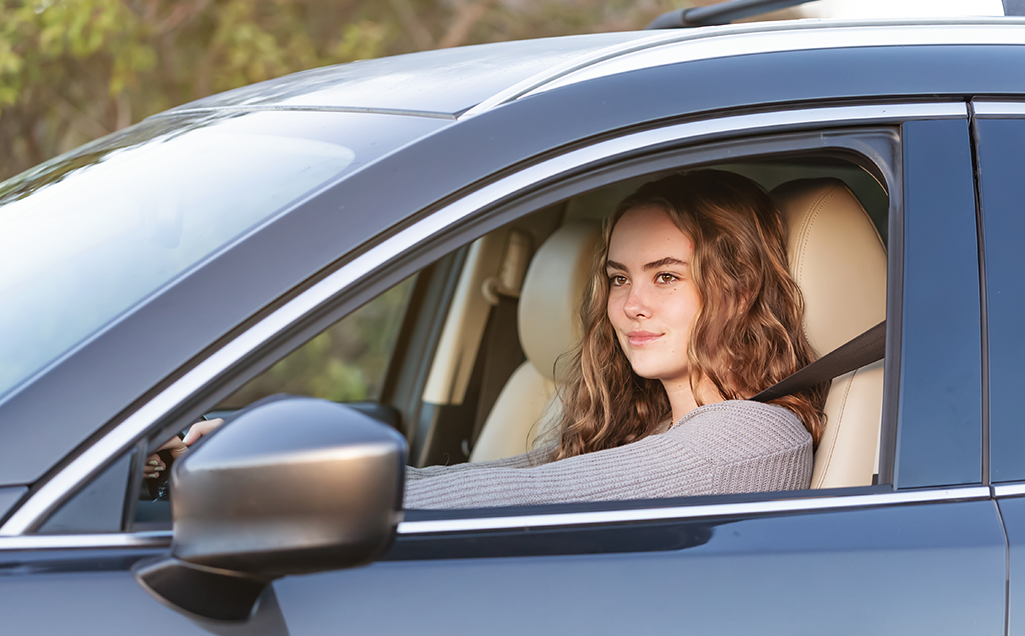
Everyday commuters: from minor bumps to the unexpected, reliable footage from either direction can be key in an insurance claim or a dispute.

VS1 key features
- 2K Quad HD recording
- Sony STARVIS 2 sensor
- Multiple exposure HDR
- Super Night Vision 2.0
- Voice control
- 5GHz Wi-Fi
- GPS logger
- Parking mode
Like the sound of it? See the VIOFO VS1 on VIOFO UK.